The Short Answer
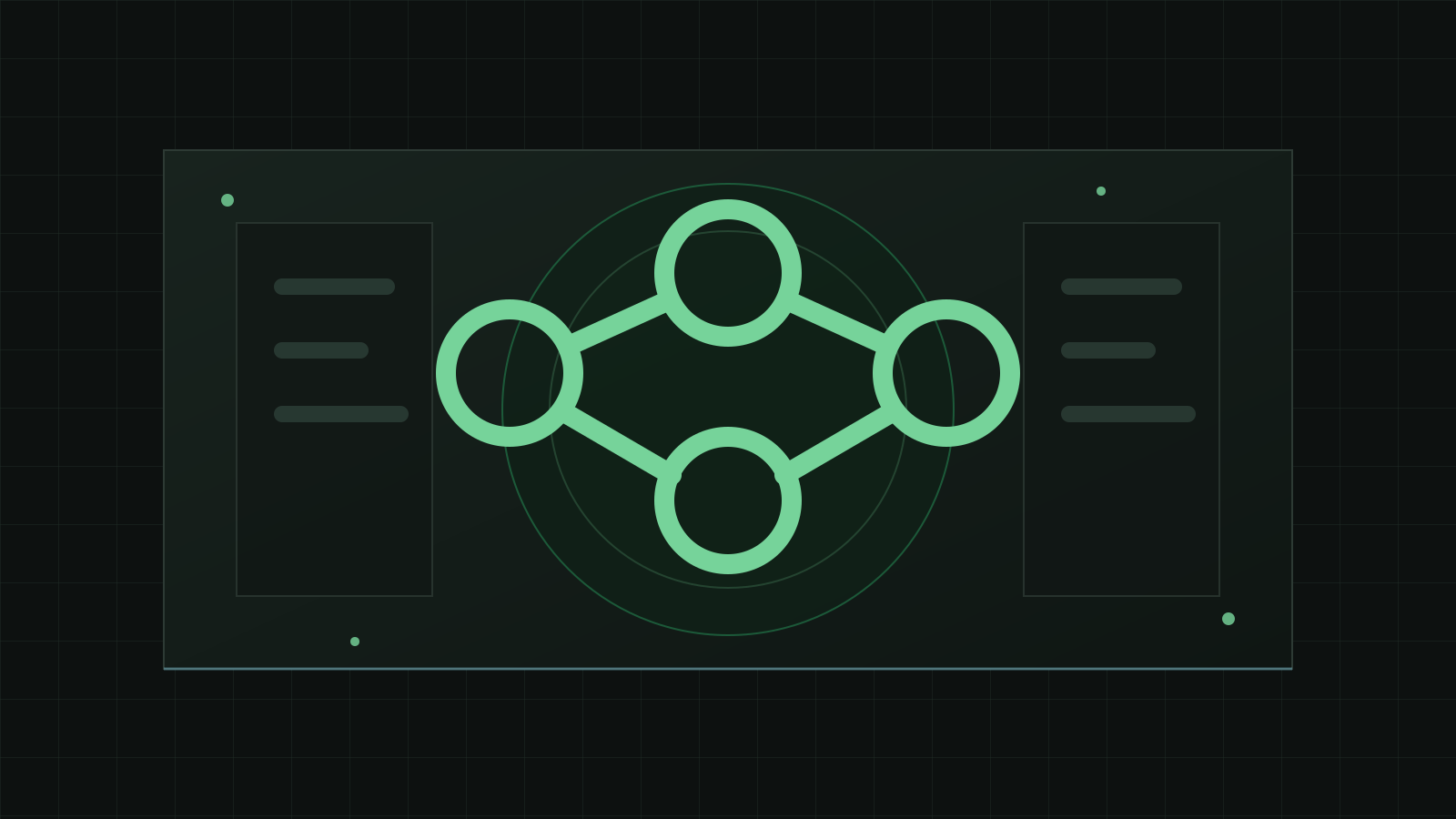
An API is a controlled way for one software system to communicate with another. Instead of a person copying data from a website into a CRM, the website can send the lead through the CRM's approved connection point.
You do not need to think of an API as developer magic. It is closer to a service counter with rules: what information can be requested, what can be changed, who is allowed to do it, and what response comes back.
Everyday Examples
A website form can create a CRM contact. A payment platform can notify an accounting system when an invoice is paid. An email system can add a customer to a segmented list after a purchase. A private database can send inventory status to an internal dashboard.
The business value is consistency. When systems exchange data directly, employees spend less time copying information and more time using it.
APIs commonly connect
- Websites and CRMs
- Payment platforms and accounting tools
- Email systems and customer records
- Internal tools and private databases
- Reporting dashboards and operational systems
What APIs Do Not Solve Automatically
An API does not decide which data should be trusted, how duplicate records should be handled, or what should happen when a system is unavailable. Those are business and design decisions.
A good integration starts by defining the source of truth, the fields that matter, the direction data should move, and how errors should be visible to the people responsible for the process.
What to Plan Before Connecting Systems
The technical connection is only one part of an API project. The business first needs to decide which system owns each kind of information and when another system is allowed to update it.
For example, a website may collect a lead, but the CRM may become the source of truth after the lead is created. A payment platform may confirm payment, while accounting owns invoice records. Those ownership decisions prevent conflicting updates.
API planning should also cover failure. If the CRM is unavailable, should the website retry, store the submission, notify staff, or block the user? The answer depends on business risk.
A well-planned API connection makes exceptions visible. Employees should not have to guess whether data moved successfully or search logs they cannot access.
Define before development
- Which system owns each field
- Which events should trigger updates
- How duplicates should be detected
- What happens when an API call fails
- Who can see and resolve integration errors
A Plain-Language Example
Imagine a website form that sends a lead to a CRM, adds the person to an email list, and notifies a salesperson. Without an API connection, someone might copy the lead into each system manually.
With an API connection, the website can send the submitted fields to the right systems using predefined rules. The business still decides which fields are required, how duplicates are handled, and who receives the notification.
That is the practical value of APIs: they reduce manual handoff while keeping the workflow controlled and repeatable.
The integration should specify
- Which fields are sent
- Which system receives them first
- How duplicate contacts are handled
- Who is notified if the update fails