Before The system is difficult to trust
Nobody is sure what is safe to change, what is broken, or whether the project should be repaired or replaced.
Review and Modernization
We review inherited code, unfinished builds, legacy systems, slow interfaces, and fragile workflows so you can decide what to fix, refactor, modernize, or rebuild.
Prioritize changes that improve real use and maintainability.
Start with the software that feels hardest to change. Full documentation not required.
Nobody is sure what is safe to change, what is broken, or whether the project should be repaired or replaced.
Risks, priorities, architecture, user experience, and modernization options are easier to discuss and act on.
FROM THE PORTFOLIO
A business website rebuilt around a custom CMS, with automated publishing that keeps content moving without rebuilding the site.
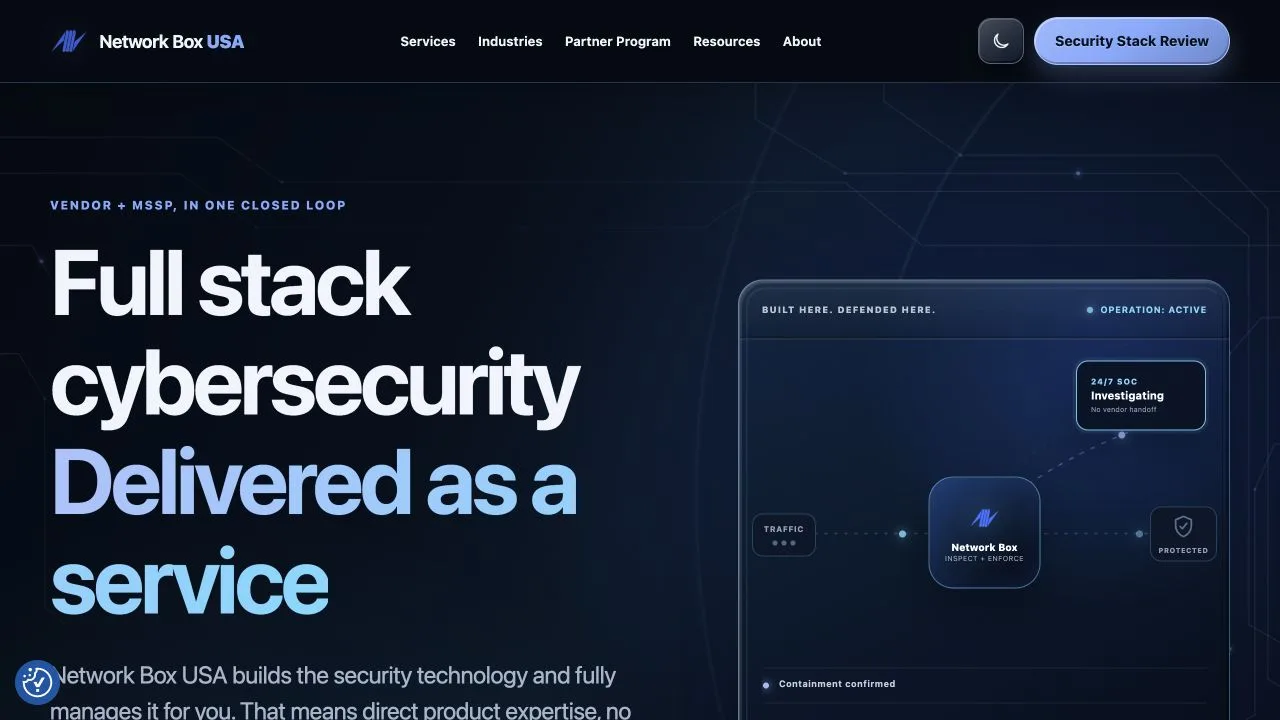 Network Box USA Website & CMS
 When To Bring In 589 Software
Bring us in when inherited, unfinished, or aging software needs technical judgment before more time goes into it.
The team has software, but not enough context to change it confidently.
589 helps: Review structure, dependencies, data flow, risk areas, and documentation gaps.
Performance problems, bugs, or brittle workflows make everyday use harder.
589 helps: Identify high-impact fixes, risky areas, and practical cleanup work.
A previous build stopped before launch, and nobody knows what can be reused.
589 helps: Assess what exists, what is missing, what is risky, and what a realistic relaunch requires.
Users struggle with screens, forms, dashboards, or admin areas that were never revisited.
589 helps: Review flows, content, accessibility, states, and interface structure.
The team needs to know whether modernization can happen gradually.
589 helps: Compare repair, refactor, partial rebuild, and full rebuild options.
Common Examples
These are the patterns clients usually recognize first.
Architecture, dependencies, risk areas, documentation, and next steps.
Reuse assessment, missing pieces, launch risks, and practical scope.
Bottlenecks, front-end issues, data queries, scripts, and stability.
Flows, states, copy, accessibility, dashboard structure, and admin usability.
Refactor options, rebuild boundaries, dependencies, and rollout plan.
What Work May Be Included
This service can include a lot of technical parts, but the parts are chosen around the project, not around a generic feature list.
How We Shape The Project
No perfect handoff required. We turn the current state into findings, priorities, and a realistic path.
Good Fit
Start Where You Are
Tell us what exists now, what changed, what is hard to trust, and what decision the review needs to support.
Talk Through a Review