Before The product idea has too many loose edges
Flows, screens, content, roles, and priorities are discussed, but not shaped into a clear experience.
UI/UX and Product Design
We shape user flows, screens, prototypes, dashboards, content hierarchy, and product decisions before teams commit to expensive implementation.
Explore hierarchy, interaction, and the states in between.
Start with the product decision that feels fuzzy. Complete requirements not needed.
Flows, screens, content, roles, and priorities are discussed, but not shaped into a clear experience.
User paths, screen structure, states, copy, components, and scope are easier to evaluate before development.
FROM THE PORTFOLIO
A business website rebuilt around a custom CMS, with automated publishing that keeps content moving without rebuilding the site.
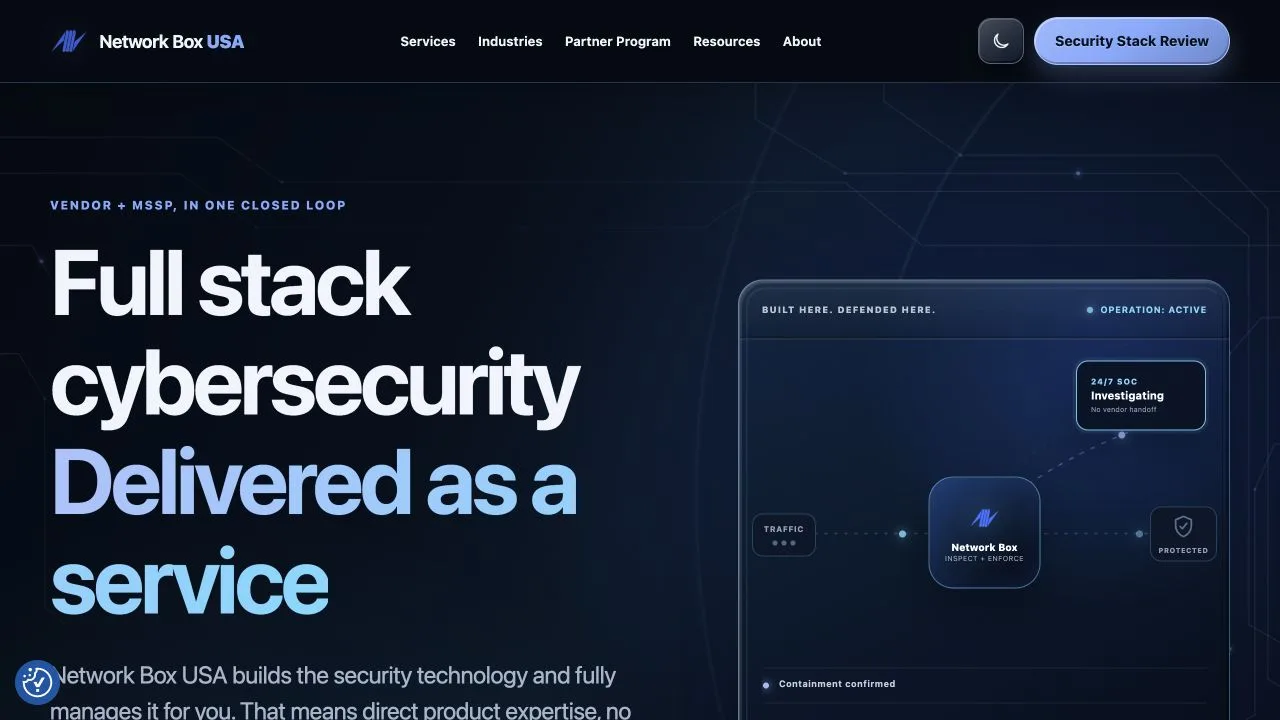 Network Box USA Website & CMS
 When To Bring In 589 Software
Bring us in when the team knows what the software should accomplish, but the experience, priorities, or interface structure still need shape.
People describe the same process differently, and screens get planned before the path is clear.
589 helps: Map roles, steps, decisions, edge cases, and the first useful flow.
Important data competes with secondary metrics, filters, and administrative controls.
589 helps: Design views around priority, scanning, comparison, exceptions, and next actions.
Users enter the same details repeatedly or get asked for information at the wrong time.
589 helps: Shape forms, states, validation, defaults, and review steps around real use.
Everything sounds important, but the build needs a smaller first release.
589 helps: Sort the product around user value, risk, effort, dependencies, and later phases.
Similar actions, labels, layouts, and components behave differently across the product.
589 helps: Create patterns, interface copy, component rules, and design-system structure.
Common Examples
These are the patterns clients usually recognize first.
Flows, screens, states, copy, and feedback before implementation.
Information hierarchy, filters, status, exceptions, and next actions.
Progressive steps, validation, defaults, and review states.
Reusable components, language, spacing, controls, and states.
Priorities, release shape, dependencies, risks, and future phases.
What Work May Be Included
This service can include a lot of technical parts, but the parts are chosen around the project, not around a generic feature list.
How We Shape The Project
No polished design file needed. We turn the product question into flows, screens, and scope.
Good Fit
Start Where You Are
Tell us what users are trying to do, where the flow gets muddy, and what a clearer experience should make easier.
Talk Through a Product Design Project