Before Static content cannot carry the idea
Screenshots, slides, copy, or charts explain the concept, but people still need to see it respond.
Interactive Web Development
We build browser-based tools, simulations, data visualizations, product demos, educational experiences, games, puzzles, animation, and generative systems.
Make every input create a meaningful response.
Start with what people should be able to try, adjust, explore, or understand.
Screenshots, slides, copy, or charts explain the concept, but people still need to see it respond.
Users can explore, adjust, play, compare, visualize, or test the idea directly.
FROM THE PORTFOLIO
An interactive research dashboard that turns internet-scale DNS and email security scan data into clear findings about standards adoption and provider performance.
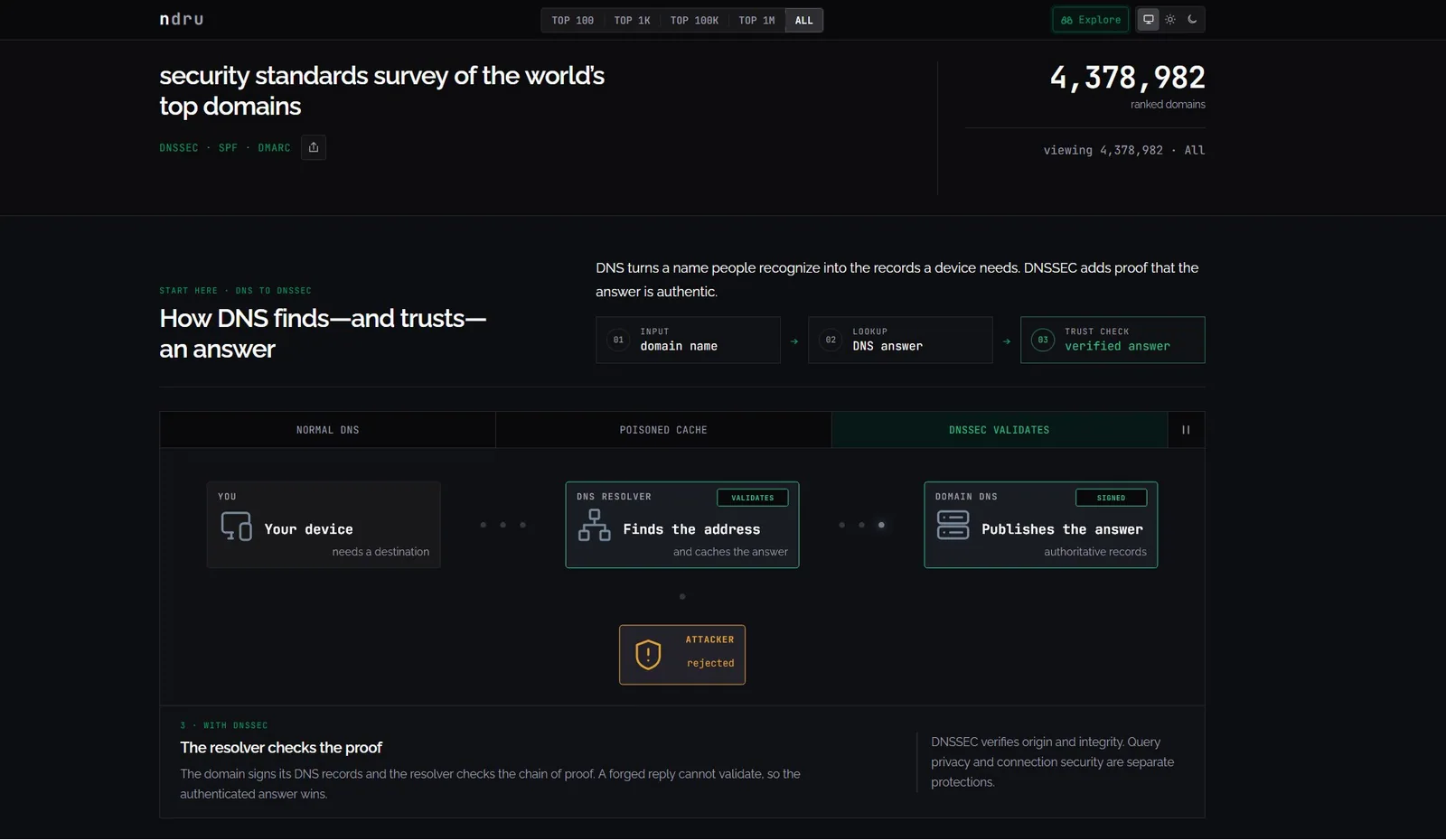 DNS Security Survey
 When To Bring In 589 Software
Bring us in when a static page, slide deck, or standard app screen cannot communicate what the idea does.
Prospects understand the offer faster when they can try a simplified version.
589 helps: Build a guided browser demo with real interaction, feedback, and next steps.
Charts, filters, and relationships need to be inspected, compared, or adjusted.
589 helps: Create visual systems that make patterns, outliers, and tradeoffs easier to read.
Users need to test a scenario, learn a rule, or see cause and effect.
589 helps: Turn rules, inputs, outcomes, and feedback into a browser-based simulator.
A launch, event, or internal pitch needs more than static slides.
589 helps: Build a responsive interactive experience with motion, controls, and clear pacing.
A game, puzzle, or playful tool needs rules, state, polish, and reliable browser behavior.
589 helps: Prototype and build playable systems with input, progression, animation, and feedback.
Common Examples
These are the patterns clients usually recognize first.
Guided interaction, inputs, animations, proof, and calls to action.
Filters, charts, maps, comparisons, and responsive visual systems.
Inputs, rules, scenarios, feedback, and repeatable practice.
State, controls, levels, animation, progression, and polish.
Procedural motion, responsive rendering, audio, or visual variation.
What Work May Be Included
This service can include a lot of technical parts, but the parts are chosen around the project, not around a generic feature list.
How We Shape The Project
No complete production spec needed. We turn the interaction goal into behavior, content, and scope.
Good Fit
Start Where You Are
Tell us what people should try, change, compare, learn, or play, and what the interaction needs to make clear.
Talk Through an Interactive Project