Before Work lives in too many places
Spreadsheets, inboxes, SaaS tools, drives, and memory split one process.
Web Applications and Business Tools
We turn spreadsheets, SaaS tools, inboxes, and handoffs into focused web software your team uses.
Put the next useful action exactly where it belongs.
Start with the workflow that costs you time. Complete software spec not required.
Spreadsheets, inboxes, SaaS tools, drives, and memory split one process.
Screens, records, permissions, reporting, and automation keep the work together.
FROM THE PORTFOLIO
An interactive research dashboard that turns internet-scale DNS and email security scan data into clear findings about standards adoption and provider performance.
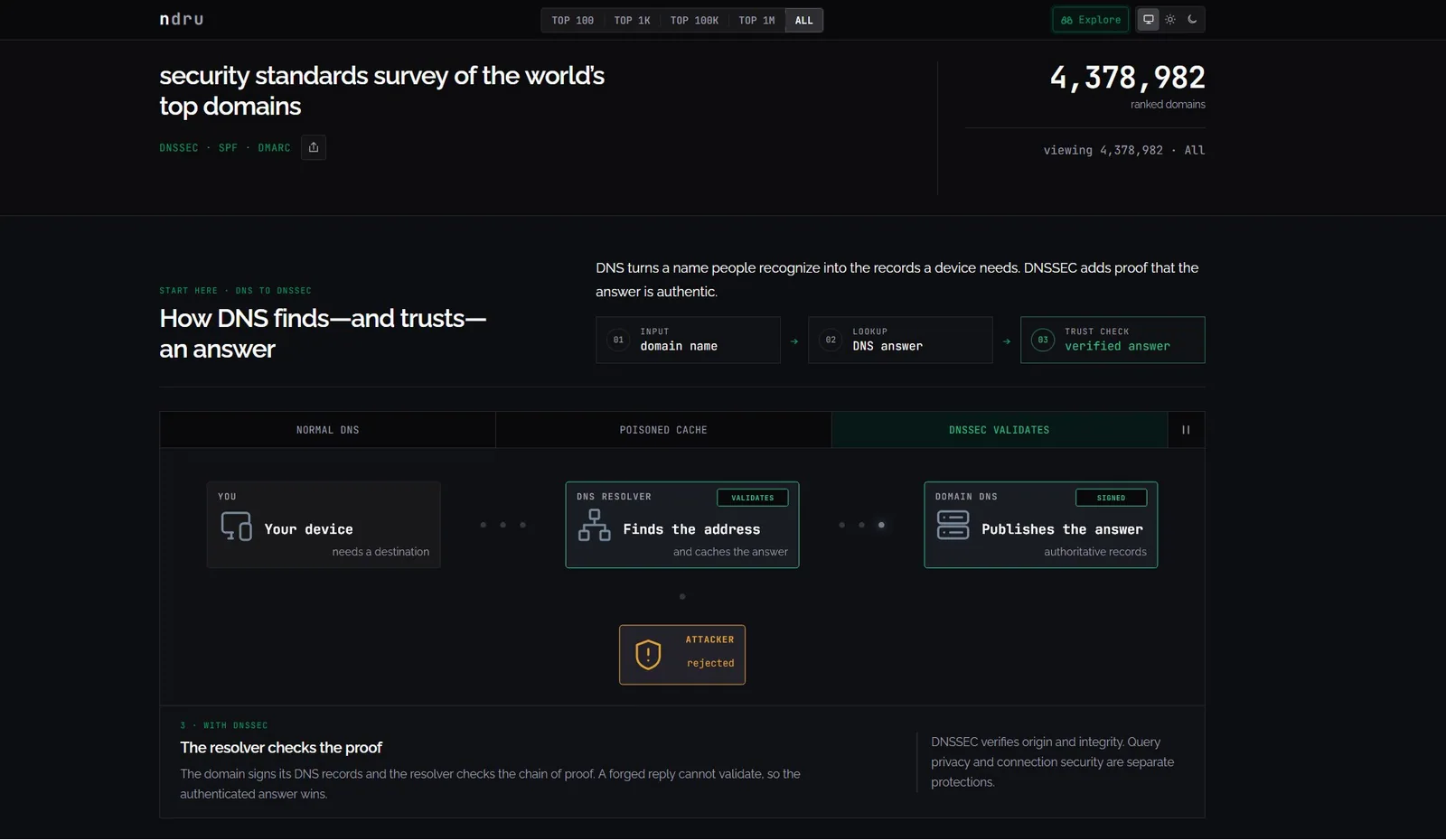 DNS Security Survey
 When To Bring In 589 Software
Bring us in when the team knows the work, but the tools around it add drag.
Approvals, pricing, inventory, or job status depend on fragile rows.
589 helps: Replace the sheet with roles, validation, history, search, and reporting.
Requests, files, and updates scatter across message threads.
589 helps: Create portals, trackers, dashboards, or admin views with current status.
The same numbers get pulled, copied, and checked again.
589 helps: Build live views, exports, documents, and dashboards people can trust.
Customers repeat details, chase status, or send files manually.
589 helps: Give them one place for requests, documents, messages, approvals, and next steps.
The paid tool works, but the real process still needs side work.
589 helps: Connect systems or build the missing workflow layer around it.
Common Examples
These are the patterns clients usually recognize first.
Roles, validation, history, search, and reporting.
Pricing rules, discounts, and a guided sales flow.
CRM, payment, email, database, API, and proprietary tool connections.
Requests, files, account details, messages, status, and next steps.
Current numbers, exceptions, filters, exports, and next actions.
What Work May Be Included
This service can include a lot of technical parts, but the parts are chosen around the project, not around a generic feature list.
How We Shape The Project
No complete spec needed. We turn the process into project scope.
Good Fit
Start Where You Are
Tell us what happens now, where it breaks, and what the finished tool should make easier.
Talk Through a Workflow